

Hey everyone! Today You learn Best AI chatbots for websites. Honestly, if you’re running a business online, this topic basically belongs to your growth strategy. And as my request from many of you goes, here’s the full breakdown in my usual talky style—simple, fast, and value-packed.
Although some tools look similar on the surface, the truth is that each one brings rare strengths depending on what you need, how much automation you want, and which features really matter for your goals. Let’s jump in carefully and break it down.
Why Your Website Needs an AI Chatbot
If you ever wondered what difference a chatbot makes… well, imagine having a support agent that works 24/7 without taking a break. Of course, they don’t complain, they don’t get tired, and they don’t ask “how many” customers they need to handle at once—because they can manage thousands.
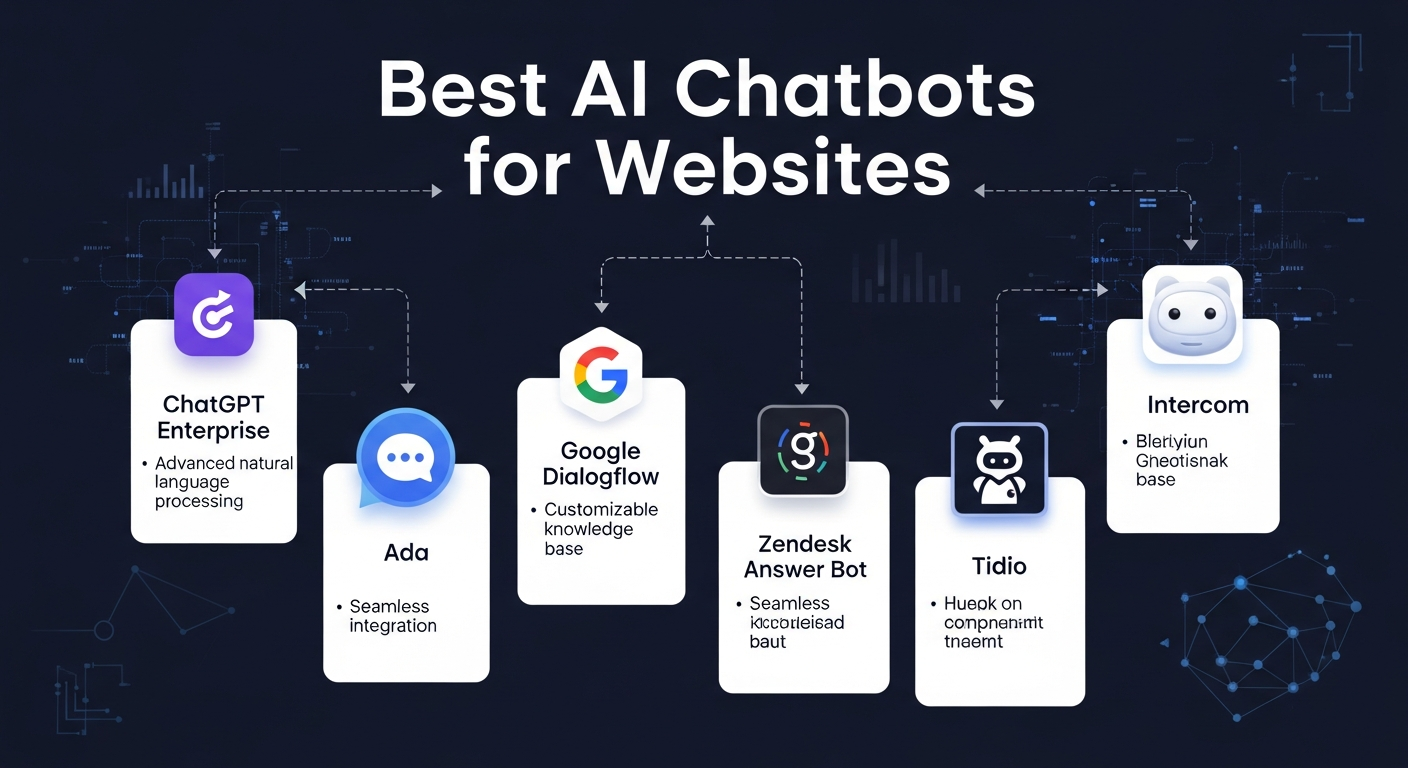
Here’s why chatbots matter:
- They give instant 24/7 support, no human bottlenecks.
- They boost conversions because they reduce the moment when users hesitate.
- They collect insights that help us improve our products.
- They save costs because instead of hiring a large support team, you get automation that never sleeps.
Basically, if you want to scale without chaos, this is how you do it.
Top AI Chatbots for Websites in 2025
Let’s talk about the heavy hitters. Each one will help your site differently, and honestly, it depends on what your business needs.
1. Google Gemini
Excels at real-time info, creative responses, and deep Google service integration.
If your business already uses Google tools daily, this would fit smoothly.
- Key Features
- Multimodal (text, image, audio) capabilities
- Seamless integration with Google Workspace (Docs, Gmail, Drive)
- Strong creative generation and reasoning
- Pros
- Perfect if your business already uses Google tools daily
- Reliable, always up-to-date with real-time info
- Easy to scale across multiple platforms
- Cons
- Pricing can be complex for enterprise tiers
- Works best only within Google ecosystem
- Pricing
- Free tier available via Google apps
- Enterprise pricing varies depending on usage
2. Robylon
A chatbot platform focused entirely on customer support automation with strong API and CRM connections.
- Key Features
- Automates 90%+ of customer queries
- Omnichannel support (chat, email, voice)
- Deep API + CRM integrations
- Pros
- High accuracy (up to 99%)
- Scalable for large teams and enterprises
- Reduces workload for support staff
- Cons
- Limited free trial
- Best suited for enterprise, not small businesses
- Pricing
- Starts at ~$35/month
- Custom enterprise plans available
3. Voiceflow
A drag-and-drop builder that helps you design custom, branded flows.
Ideal if you don’t want coding yet to want powerful interactions.
- Key Features
- No-code chatbot builder
- Supports websites, apps, and telephony
- Train bots on custom data
- Pros
- Easy for non-coders
- Collaborative design for teams
- Fast deployment
- Cons
- Advanced features locked behind higher tiers
- Less flexible than developer-focused platforms
- Pricing
- Free plan available
- Pro ~$49/month
- Enterprise custom pricing
4. Tidio
Overall Best for Most Users: Tidio – It’s frequently ranked #1 for its balance of affordability, ease, and features tailored to websites (e.g., boosting sales by 20-30% via chat). Users on X praise its quick integration for non-techies.
Strong combo of AI + human chat, e-commerce tools, cart recovery, product recommendations—super practical for small online stores.
Key Features: Visual builder, AI responses via GPT integration, live chat handover, e-commerce tools (cart recovery, product recommendations). Embeds via simple script.
Pros: Affordable, intuitive drag-and-drop, strong analytics for conversions.
Cons: Limited advanced AI customization on free tier.
Pricing: Free plan; $29/month (Communicator)
5. Chatbase
Best for Advanced AI: Chatbase – Upload your site/docs for instant training; ideal if you want a “ChatGPT for your website” vibe. X posts highlight its speed for prototypes.
- Key Features
- Train bots on custom data (site, PDFs, docs)
- Analytics dashboard
- No-code setup
- Pros
- Fast deployment
- Flexible integrations
- Great for knowledge-based bots
- Cons
- Limited workflow customization
- Scaling costs for heavy usage
- Pricing
- Free tier available
- Paid plans from ~$19/month
6. Drift
A chatbot built for conversational marketing and real-time lead generation.
- Key Features
- Lead qualification and routing
- Meeting booking directly in chat
- Personalized engagement for B2B funnels
- Pros
- Excellent for B2B sales pipelines
- Strong marketing focus
- Real-time engagement boosts conversions
- Cons
- Expensive compared to others
- Geared toward enterprise, not small businesses
- Pricing
- Pricing on request
- Typically $$$ for enterprise
7. Intercom
A powerhouse for SaaS companies, offering advanced support automation and CRM syncing.
- Key Features
- AI agent “Fin” for automated support
- CRM + 100+ integrations
- Omnichannel support (web, WhatsApp, SMS)
- Pros
- Perfect for SaaS businesses
- Deep integrations
- Strong automation tools
- Cons
- Complex pricing
- Higher cost for scaling
- Pricing
- Essential $29–39/seat
- Advanced $85–99/seat
- Expert $132–139/seat
8. Botpress
Best Free/Open-Source Option: Botpress – If you’re developer-savvy, this open-source tool lets you build and host custom bots with full control. Great for unique needs, though it requires more setup than no-code alternatives.
- Key Features
- Full developer control over logic and flows
- AI + LLM integration
- Supports multiple channels (web, WhatsApp, Messenger)
- Pros
- Highly customizable
- Open-source flexibility
- Ideal for complex, unique use cases
- Cons
- Steeper learning curve
- Requires developer skills
- Pricing
- Free tier available
- Usage-based pricing (pay-as-you-go)
9. ManyChat
An omnichannel chatbot for brands that live on Instagram, Facebook, or WhatsApp. This is one of the omnichannel strategy to engage the customers.
- Key Features
- Social-first automation (FB, IG, WhatsApp)
- SMS + email integration
- No-code builder
- Pros
- Great for social-heavy brands
- Affordable and easy to use
- Strong lead capture tools
- Cons
- Limited website focus
- Best only if your audience is social-first
- Pricing
- Free plan available
- Pro ~$15/month
10. HubSpot Chatbot Builder
A chatbot designed for CRM-driven inbound marketing, tightly integrated with HubSpot.
- Key Features
- Lead qualification and meeting booking
- Seamless HubSpot CRM integration
- Customizable workflows
- Pros
- Free forever plan
- Perfect for HubSpot users
- Easy setup and management
- Cons
- Works best only if you use HubSpot
- Advanced features require higher HubSpot tiers
- Pricing
- Free plan available
- Advanced features with HubSpot Starter/Pro/Enterprise ($20–$890/month depending on tier)
Compare Chatbots
| Chatbot | Best For | Notable Strengths | Pricing |
|---|---|---|---|
| ChatGPT | Overall conversational AI | Multi-modal, advanced reasoning | Free & paid |
| Gemini | Creative & informed chat | Fast + Google integration | Free & paid |
| Robylon | Customer support automation | CRM + API integration | Contact vendor |
| Voiceflow | Building custom flows | No-code, omnichannel | Subscription |
| Botpress | Developer control | Full customization | Subscription |
| Tidio | E-commerce & small biz | Visual builder, cart tools | From $29/year |
| Chatbase | “ChatGPT for your website” | Easy training + analytics | Free & paid |
| Drift | Lead generation | Conversational marketing | Custom pricing |
How to Add a Chatbot to Your Website
If you ever thought integrating a bot is complicated—nope. It’s easier than you believe.
You don’t need a degree. Here’s what you do:
- Sign up → Pick one (Tidio? Chatbase?)
- Customize → Add greeting, FAQs, tone
- Copy code → Small JS snippet
- Paste before </body>html
<script src="https://code.tidio.com/abc123.js"></script> - Or use plugin (WordPress = search name → install) – If you use WordPress, Shopify, Wix, or similar, most platforms have plugins so you don’t touch code.
- Test → Ask “What’s your price?” — see if it replies! – API Integration – Advanced setups can sync with CRMs or databases—great if you have developers.
Pro move: Put it bottom-right. That’s where users look.
Best Practices
- Place it strategically: Bottom-right corner is the most common and user-friendly spot.
- Match branding: Customize colors, fonts, and tone to align with your site.
- Connect to CRM/Email: Capture leads and sync them with your marketing tools.
- Train the bot: Add FAQs and product info so it can answer effectively.
- Monitor analytics: Track conversations, drop-offs, and conversions to improve performance.
Conclusion
If you want to convert more visitors, support customers instantly, and stay competitive, an AI chatbot isn’t a “maybe”—it should be part of your website right now. It doesn’t matter if you’re running a small shop or a big SaaS. What matters is the experience you offer your users every time they land on your page.
And honestly? With all these options, we don’t have excuses anymore. Pick the one that fits best instead of waiting for the “perfect” tool. Because some time waiting means lost customers.


Leave a Reply